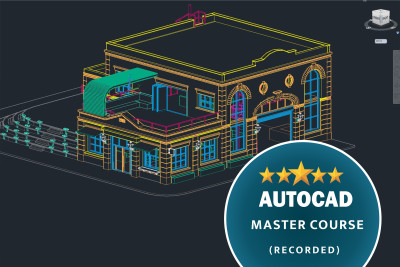
Unlock your potential as a designer with our comprehensive AutoCAD Drawing Course! This course is tailored for beginners and professionals alike, offering in-depth knowledge of AutoCAD’s features and functionalities

Introduction to AutoCAD: Familiarize yourself with the user interface, tools, and workspace.
Basic Drawing Techniques: Learn to create basic shapes, lines, and objects with precision.
Advanced Drawing Skills: Master techniques like layering, dimensioning, and hatching.
3D Modeling: Explore 3D drawing techniques and how to create three-dimensional objects.
Editing Tools: Discover how to modify your designs using various editing commands.
Best Practices: Understand industry standards and best practices for creating professional-quality drawings.
What will i learn?
Proficiency in AutoCAD Tools , 3D Modeling Skills , Creating 2D Drawings , Layer Management , Annotation and Dimensioning , Understanding of Architectural and Engineering Standards , Problem-Solving and Critical Thinking
Requirements
Prerequisites: Basic understanding of computer operations. Familiarity with architectural or engineering concepts
Software: A licensed version of AutoCAD (latest version preferred). Alternatively, a trial version or a student edition can be accepted.
Hardware: A computer or laptop with the following specifications: Minimum: 8 GB RAM (16 GB recommended). Minimum: 2.5 GHz processor (quad-core recommended). Minimum: 1 GB GPU (Graphics Processing Unit) or more with support for DirectX 11. At least 5 GB of free disk space.
Internet Connection: Stable internet connection for streaming videos, downloading resources, and participating in live sessions.
Frequently asked question
This course is perfect for:
Aspiring architects and engineers
Design students looking to enhance their skills
Professionals seeking to upgrade their knowledge of AutoCAD
Hobbyists interested in creating detailed drawings